Short answer
Trim is the intended finished edge. Bleed extends backgrounds beyond that edge so cutting does not leave white lines. The safe area keeps important text and logos inside the trim. Exact measurements depend on the product and supplier template.
How the three zones stack up
Picture three nested rectangles. The outer rectangle is the bleed edge — background colour and images extend all the way to it. The middle rectangle is the trim line — where the sheet is actually cut. The inner rectangle is the safe area — a margin inside the trim line where all text, logos and important details must stay, so nothing is at risk from small movement during cutting.
Bleed
Extend photographs, colours and patterns that should reach the edge. Do not stretch a low-resolution image simply to fill bleed.
Trim
The trim line represents the intended cut, but production cutting has practical tolerances. Avoid thin borders close to the trim because small movement becomes visible.
Safe area
Keep names, telephone numbers, QR codes, logos and essential legal text inside the safe zone. Fold lines, binding and display hardware may need additional clearance.
Product examples
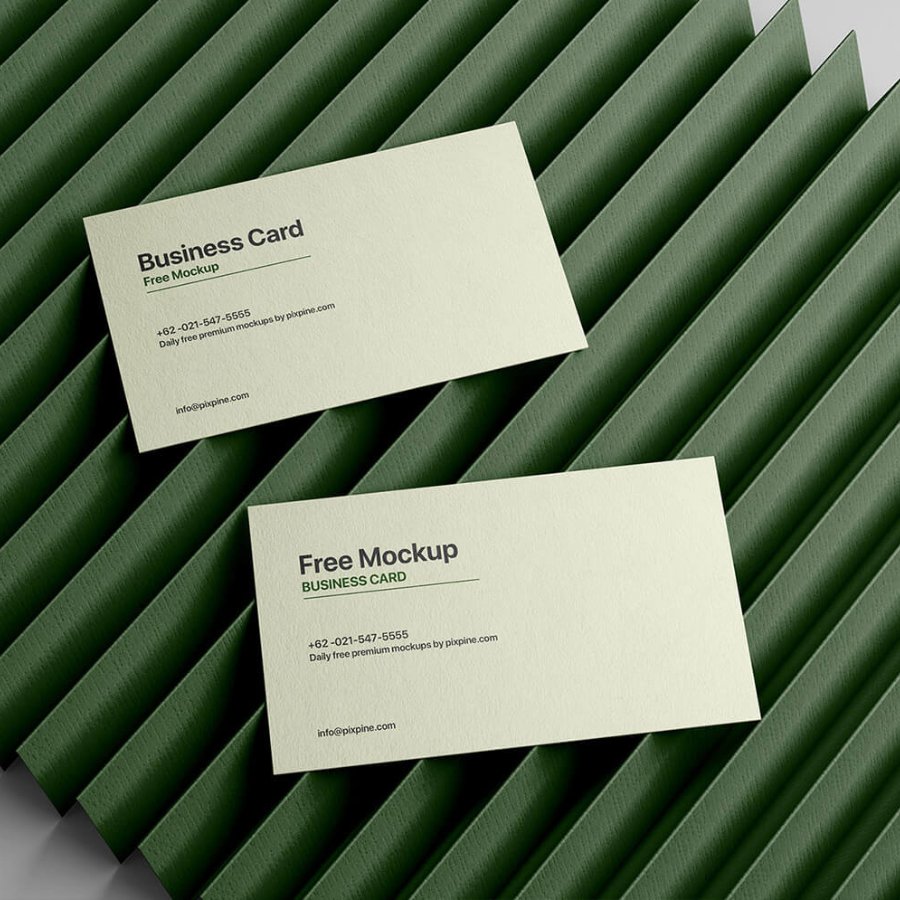
Business cards and flyers
Use the confirmed finished size and template. Check both sides and keep borders away from the edge.
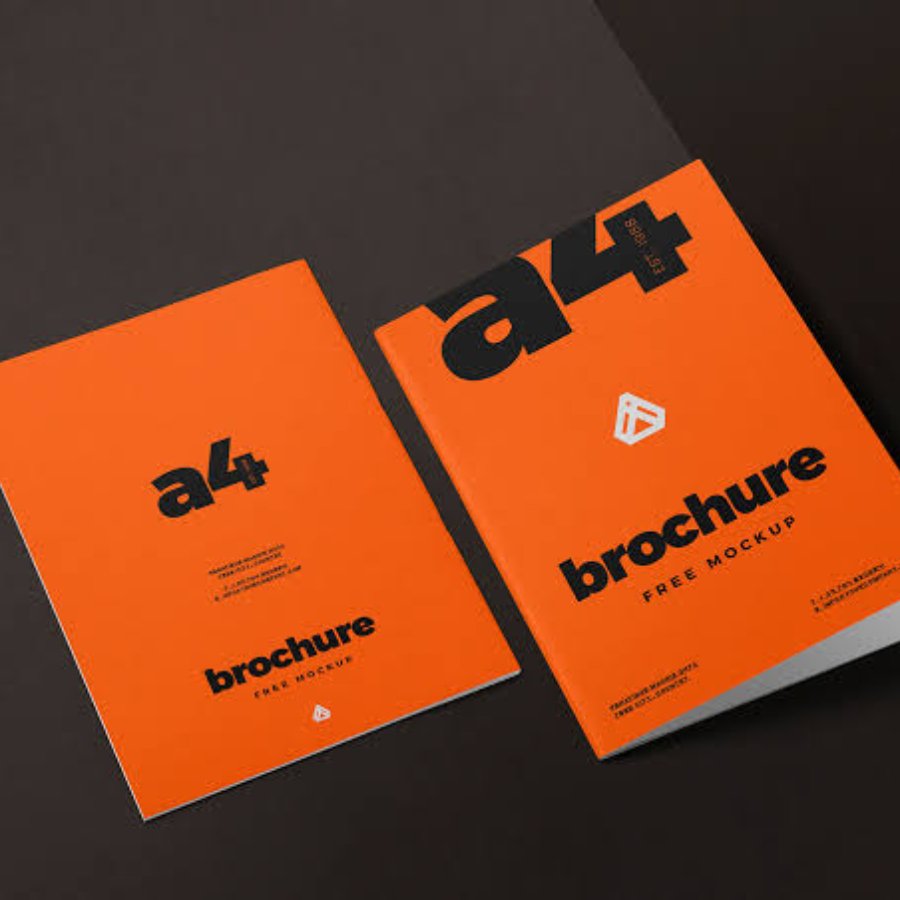
Folded brochures
Account for trim and folds. Panels may not all be identical after folding, so use the supplied template.
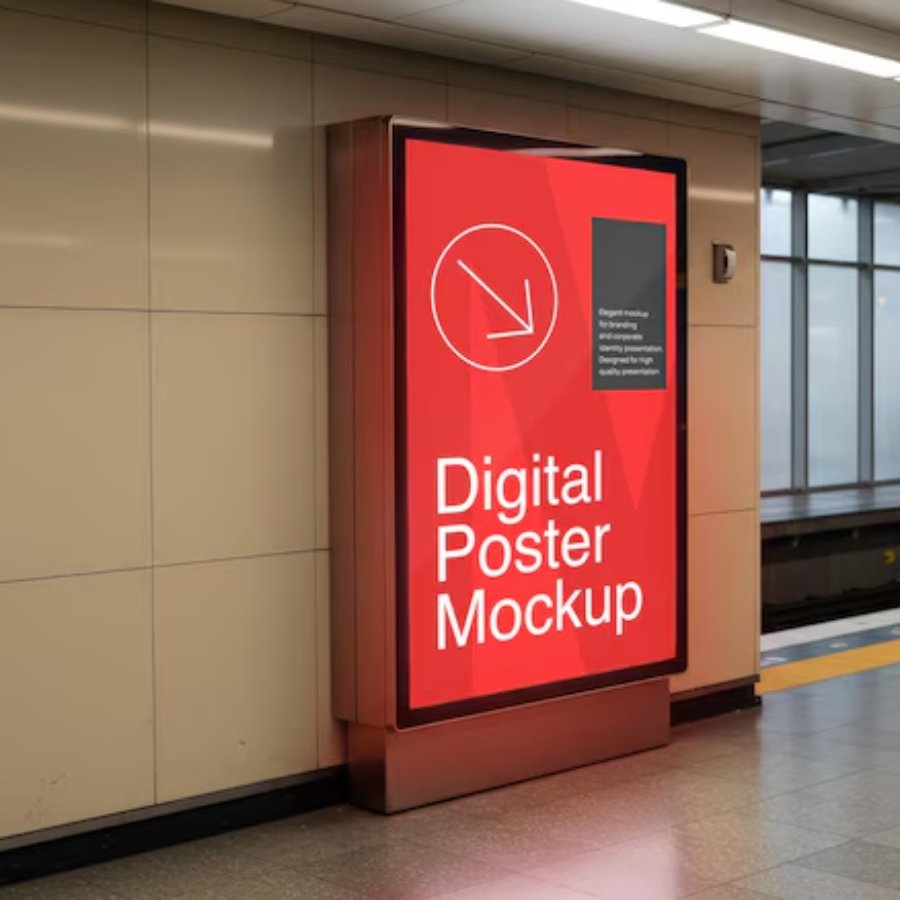
Posters and roll-up graphics
Large-format resolution and safe zones depend on scale and hardware. The roll-up base can hide part of the lower graphic.
Common mistakes
- Adding bleed after the layout is finished
- Putting crop marks inside the artwork
- Treating the bleed edge as the finished size
- Text too close to the cut
- Borders that reveal cutting variation
- Reusing a template from another supplier
FAQs
How much bleed should I add? Use the exact requirement for the selected product.
Do white backgrounds need bleed? White itself may not need visible extension, but images or colours touching an edge do.
Are crop marks required? Follow the printer’s export specification.
Get artwork help
Browse business cards, flyers, posters and roll-up displays, or contact us if you would like us to check your file against the correct template before you order.